One Prompt, Many Video Models: Writing a Shot for Veo, Seedance, Kling, Hailuo and Wan
The same shot written five ways. How length, structure, camera wording, negative prompts, sound cues and aspect ratio change from one video model family to the next, with copy-ready examples.
You have a shot you like, and you want to try it in more than one video model. Pasting the same paragraph everywhere works up to a point, but each model family has habits: some reward a flowing cinematic paragraph, some follow labelled sections closely, some read a compact list, and some take camera instructions in their own bracket style. A little reshaping goes a long way.
This guide takes one shot and writes it for Veo, Seedance, Kling, Hailuo and Wan, then covers length, negative prompts, sound and aspect ratio.
Start from a shot sheet, not a paragraph
The easiest way to write one shot for many models is to describe it once as a set of fields, then assemble those fields in a different order for each model. Here is the shot sheet we will use throughout:
- Subject: a woman in her thirties in a yellow raincoat
- Action: walks toward camera, then slows and glances left at a steaming food stall
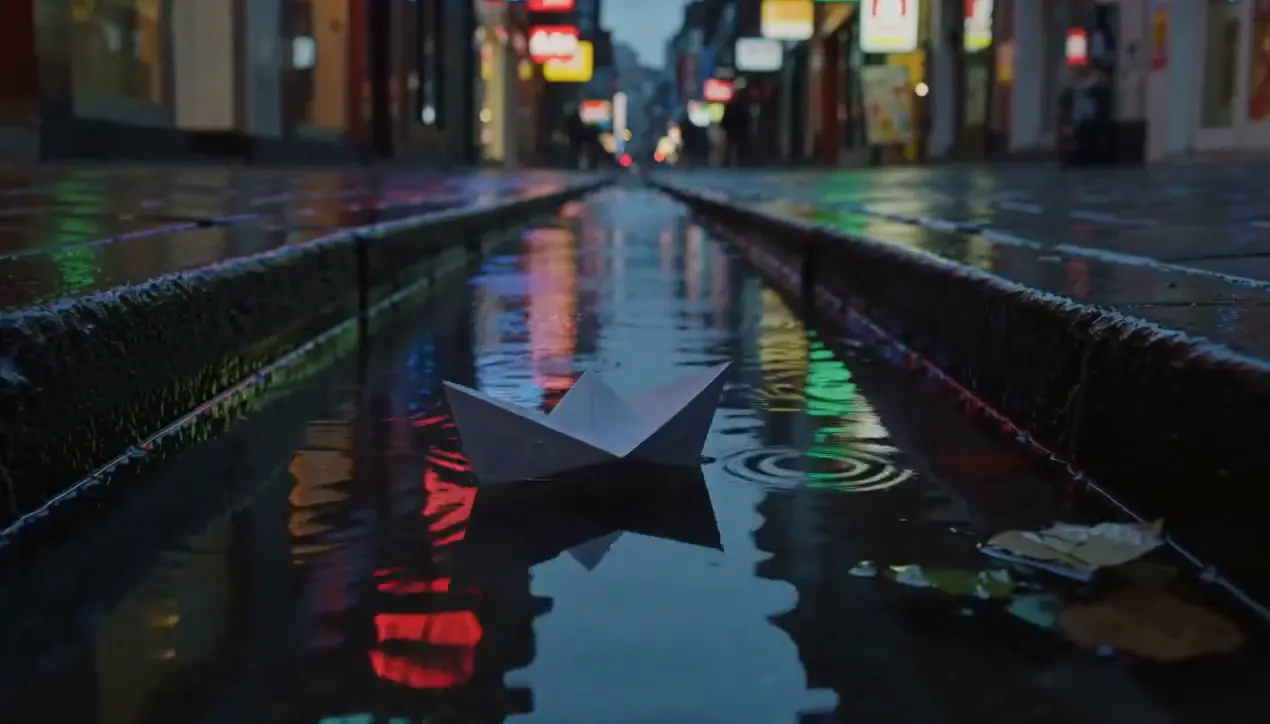
- Setting: a night market street after rain, neon signs reflected in puddles
- Camera: slow backward tracking shot ahead of the subject, wide to medium shot
- Lens: shallow depth of field, soft neon bokeh
- Lighting: pink and teal neon, warm light spilling from the stall
- Style: cinematic, naturalistic colour
- Pacing: calm, unhurried
- Sound: light rain, sizzling woks, low crowd murmur
Every version below comes from these nine fields. Nothing new is invented per model; only the order, the joins and the labels change.
The general prompt
A general prompt is a single paragraph that reads naturally to almost any model. Lead with subject and action, then setting, camera, light and look:
A woman in her thirties in a yellow raincoat walks toward camera through a rain-wet night market, then slows and glances left at a steaming food stall. Neon signs reflect in the puddles. Slow backward tracking shot ahead of her, wide to medium shot, shallow depth of field with soft neon bokeh. Pink and teal neon, warm light spilling from the stall, cinematic and naturalistic, calm unhurried pacing.
Around 60 to 100 words is a comfortable length for a single short shot: enough for every field, short enough that nothing gets drowned out.
Veo: a cinematic paragraph with an audio line
The Veo shape reads like a line of screen direction. It opens with the camera and lens, introduces the subject and action, then sets the scene, the light and the pacing, and closes with a separate audio line.
Slow backward tracking shot ahead of the subject, wide to medium shot, shallow depth of field, soft neon bokeh. A woman in her thirties in a yellow raincoat walks toward camera, then slows and glances left at a steaming food stall. A night market street after rain, neon signs reflected in puddles. Pink and teal neon, warm light spilling from the stall, cinematic, naturalistic colour. Calm, unhurried. Audio: Light rain, sizzling woks, low crowd murmur.
Full sentences suit this family well. The audio line describes ambient sound and effects in plain words, which gives the generated soundtrack something concrete to follow.
Seedance: ordered action and labelled camera language
The Seedance shape puts the subject and the ordered action first, then the scene, then a labelled camera line and a labelled style line.
A woman in her thirties in a yellow raincoat walks toward camera, then slows and glances left at a steaming food stall. A night market street after rain, neon signs reflected in puddles. Camera: Slow backward tracking shot ahead of the subject, wide to medium shot, shallow depth of field, soft neon bokeh. Style: Cinematic, naturalistic colour, pink and teal neon, warm light spilling from the stall. Calm, unhurried.
Seedance-style prompts respond well to clear sequencing words such as "then", and to camera terms stated plainly. Keep each beat of action in the order it happens.
Kling: a compact list, subject and motion first
The Kling shape is one comma-separated line: subject and motion first, then the scene, the camera, the lens, the light, the look and the pacing.
a woman in her thirties in a yellow raincoat walks toward camera, then slows and glances left at a steaming food stall, a night market street after rain, neon signs reflected in puddles, slow backward tracking shot ahead of the subject, wide to medium shot, shallow depth of field, soft neon bokeh, pink and teal neon, warm light spilling from the stall, cinematic, naturalistic colour, calm, unhurried
Kling's interface has a separate negative prompt box, so the things to avoid go there instead of in the main line (more on that below).
Hailuo: a bracketed camera command
The Hailuo shape starts with the camera move written as a short command in square brackets, then describes the subject, the scene, the look and the pacing in sentences.
[Tracking shot] A woman in her thirties in a yellow raincoat walks toward camera, then slows and glances left at a steaming food stall. A night market street after rain, neon signs reflected in puddles. Pink and teal neon, warm light spilling from the stall, cinematic, naturalistic colour. Calm, unhurried.
Bracket commands are short, standard phrases such as [Push in], [Pull out], [Pan left], [Pan right], [Pedestal up], [Tracking shot], [Static shot] or [Shake]. Choose the one that matches your move; the rest of the camera description can stay out of the prose.
Wan: subject and scene, then motion, look and camera
The Wan shape is also a comma-separated line, but it orders things differently: subject, then scene, then action, then light and style, and finally camera and lens.
a woman in her thirties in a yellow raincoat, a night market street after rain, neon signs reflected in puddles, walks toward camera, then slows and glances left at a steaming food stall, pink and teal neon, warm light spilling from the stall, cinematic, naturalistic colour, slow backward tracking shot ahead of the subject, wide to medium shot, shallow depth of field, soft neon bokeh
Like Kling, Wan pairs well with a separate negative prompt.
Negative prompts
A negative prompt lists what you want kept out of the clip. Keep it short and visual:
blurry face, distorted hands, extra limbs, text, watermark, flicker, jittery motion
Put it in the dedicated negative field where a model offers one, as Kling and Wan do. For the paragraph-style families, the cleaner approach is to state the positive version inside the prompt: "steady, smooth motion" rather than "no jitter", "clean frame" rather than "no text".
Length and structure
- One shot, one prompt. Each version above describes a single continuous shot. For a sequence, write one prompt per shot.
- Front-load what matters. Whatever must appear (the subject, the move) belongs in the first sentence or the first few list items.
- Shorter for quick tests. A tight version of around 40 words keeps only the essentials: subject, action, camera and light. It is a handy first pass when you are comparing models.
Sound cues
Sound lines suit models that generate audio. Describe ambient sound and effects as a short list: "light rain, sizzling woks, low crowd murmur". For dialogue, keep it to a brief line in quotes and say who speaks. When a model produces silent video, the sound line can simply be left out of that version.
Aspect ratio
Most video tools set aspect ratio with a control next to the prompt box, so the prompt's job is to compose for the shape you pick. A vertical 9:16 frame favours a single subject, tall compositions and movement toward or away from camera. A wide 16:9 frame suits lateral tracking, landscapes and two-person staging. A square 1:1 frame works well for centred subjects and orbits. Writing "vertical framing, subject centred" or "wide cinematic framing" in the camera line keeps the composition consistent with the setting.
Doing it in one step
Video Prompt builds all of these from a single result. Drop in a clip, or type a one-line idea and pick a frame shape, and you get a general prompt plus copy-ready versions shaped for Veo, Seedance, Kling, Hailuo and Wan, all assembled from the same shot sheet, together with a negative prompt. An idea costs 8 credits and a video costs 11 credits. To see a version play before you take it elsewhere, a 5-second test render costs 67 credits. Plans and packs are on the pricing page.
For the wording inside the camera field, see camera moves in video prompts. To build a shot sheet from footage by hand, start with how to reverse-engineer a video prompt.
Turn your own clip into a prompt
Drop a clip or type an idea, pick the model you write for, and see the price before you start.